Journal: Notes, Planner, PDFs
Starnest JSC
Downloads
5,000,000+
Version
Latest
Click to download now, finish the installation quickly, and directly unlock the all-round experience
Screenshots
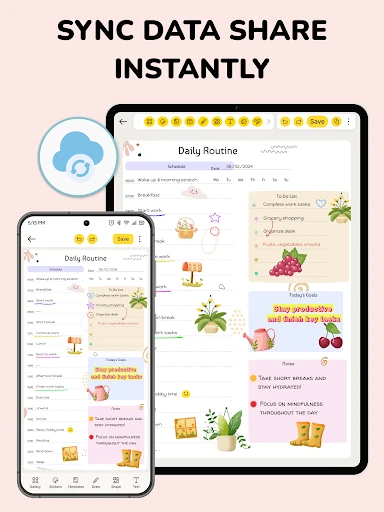
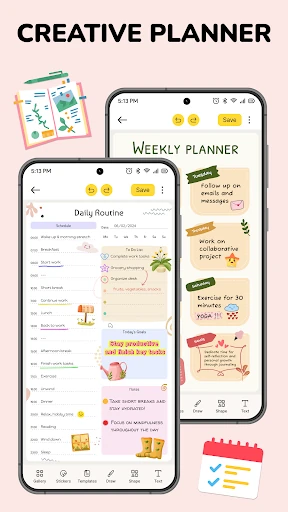
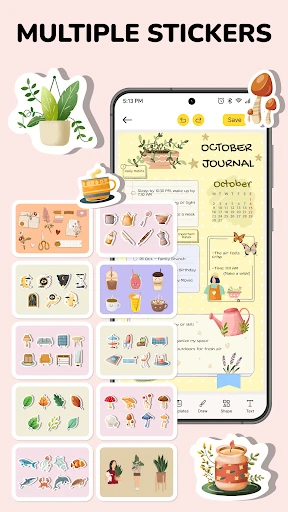
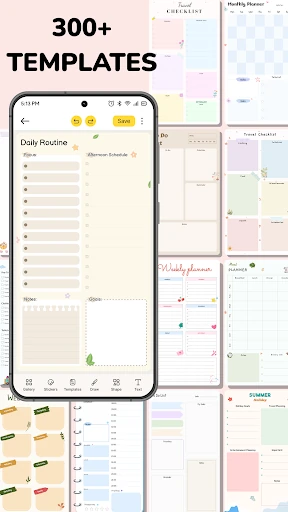

Click to download now, finish the installation quickly, and directly unlock the all-round experience
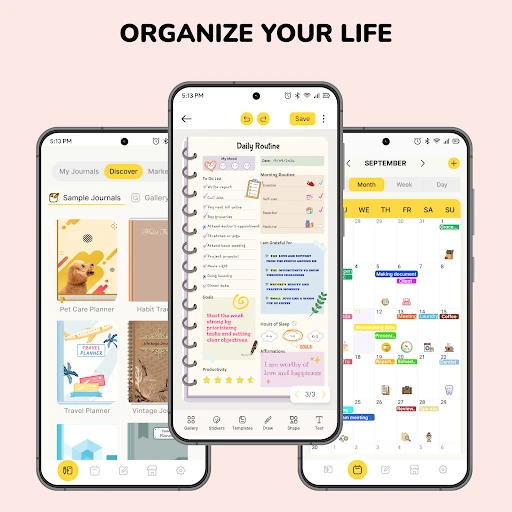
Journal: Notes, Planner, PDFs combines journal writing, general note-taking and schedule planning in one productivity app. It suits people who want one place for personal entries, school or work notes, ideas and upcoming tasks instead of separate notebook and calendar tools. You can use it for quick notes, longer documents, daily planning or a more traditional diary-style routine.
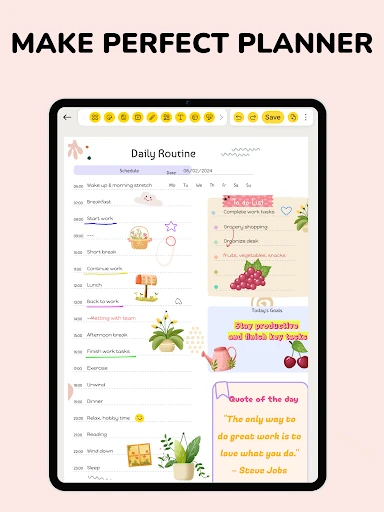
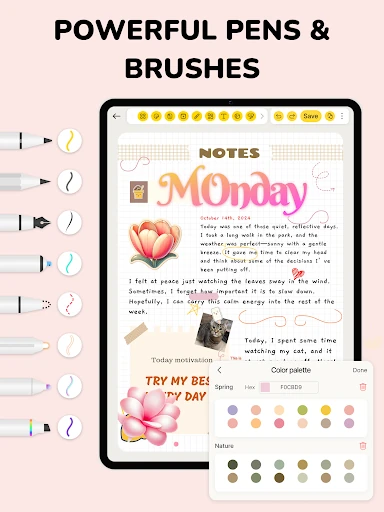
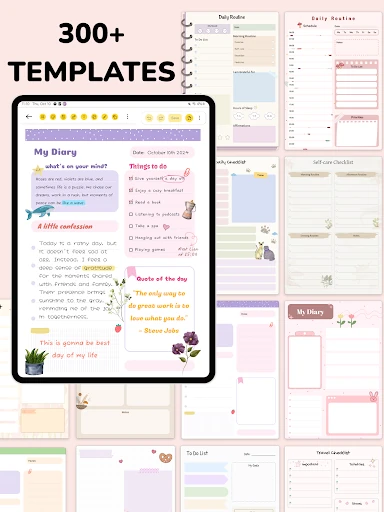
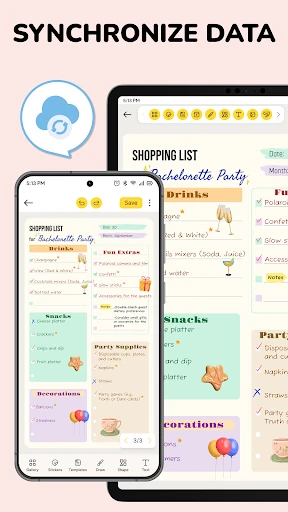
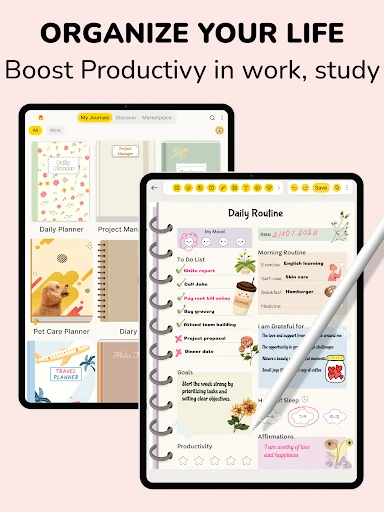
The app is designed around virtual pages rather than a simple text field. You can write with text tools, sketch ideas, use a pencil and mark important passages with a highlighter. Paper templates and themes help separate different notebooks or give a journal a more personal layout. That flexibility is useful for users who move between structured lists, handwritten-style notes and open-ended reflection.
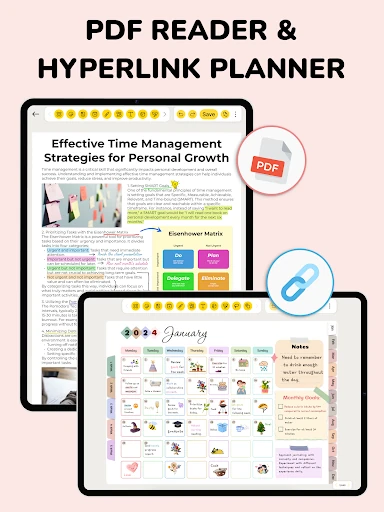
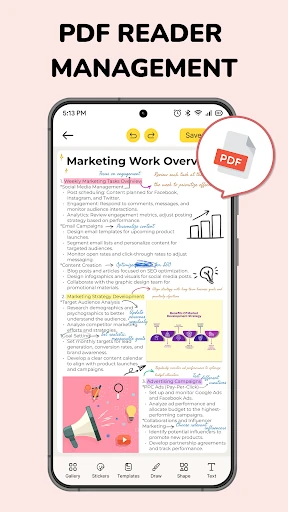
PDF support gives the app a more practical role for study and document review. Imported files can be kept inside a notebook and annotated directly, including highlighting and written notes. This makes it possible to work through exercises or reference material without switching to another app, then export the annotated result as a PDF. The feature is most relevant to students and anyone who regularly marks up documents.
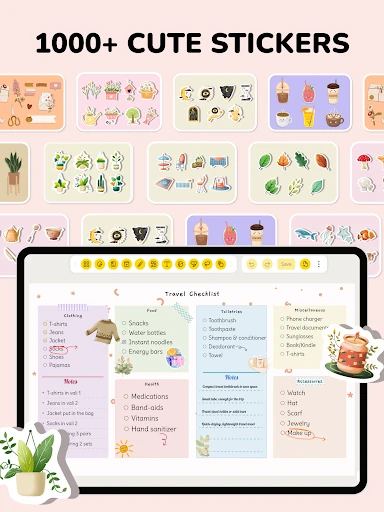
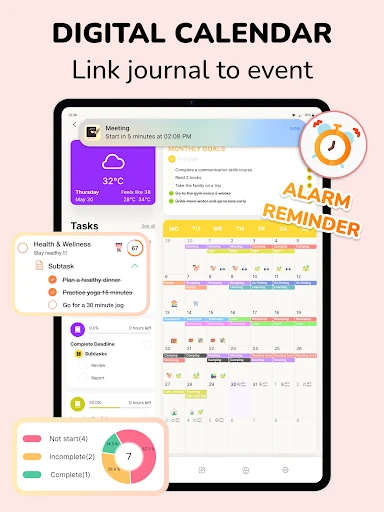
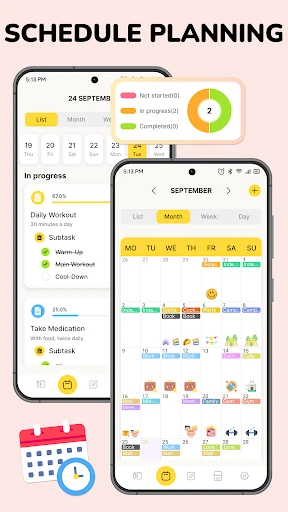
A library of more than 300 templates and over 1,000 stickers supports decorative journals, planners and themed notes, although users who prefer a plain writing surface may find these extras unnecessary. The app also brings calendar-based event and task planning into the same workspace, which can reduce the need to split daily organization across several tools.
Published by Starnest JSC, the app sits in the Productivity category and has passed 5,000,000 installs. Its 4.56 rating from 154,972 reviews suggests broad approval, but its large feature set will appeal most to people who want journaling, planning, PDF annotation and visual note-making together.