Click to download now, finish the installation quickly, and directly unlock the all-round experience
Screenshots
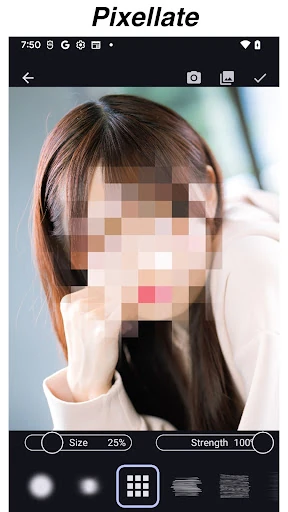
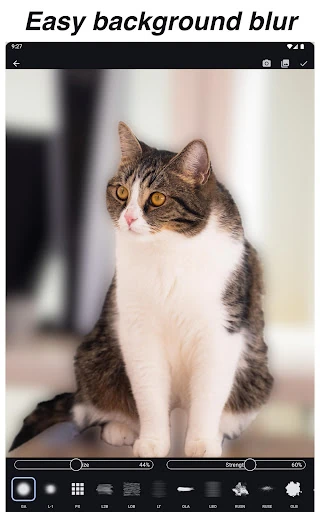
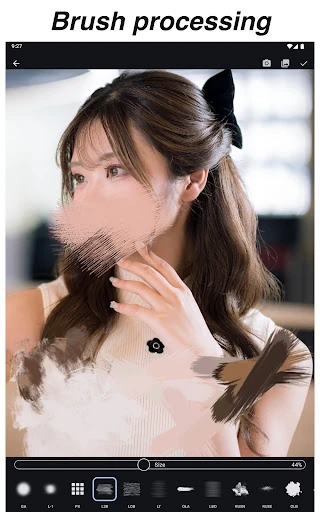
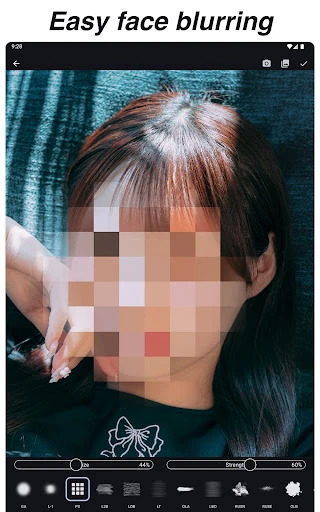
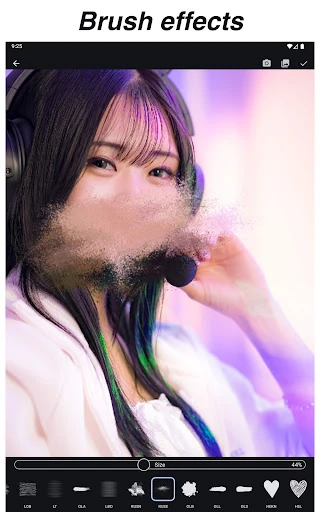
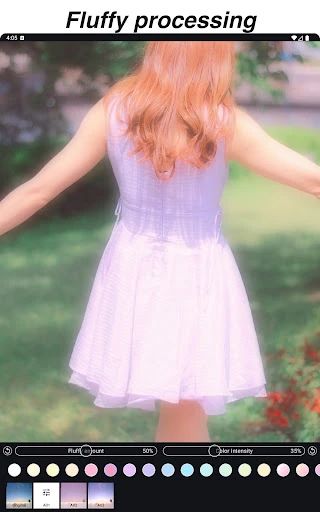
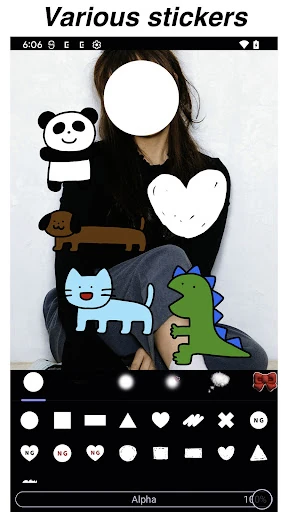
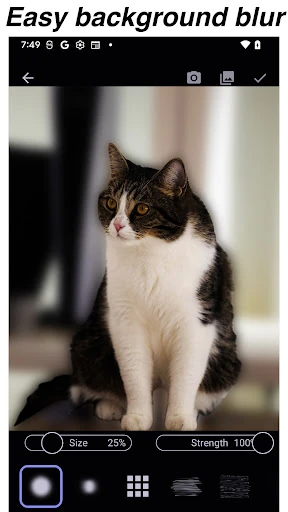
Click to download now, finish the installation quickly, and directly unlock the all-round experience
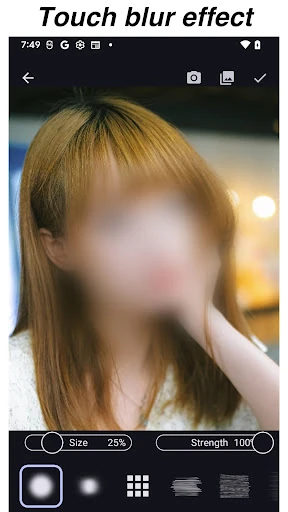
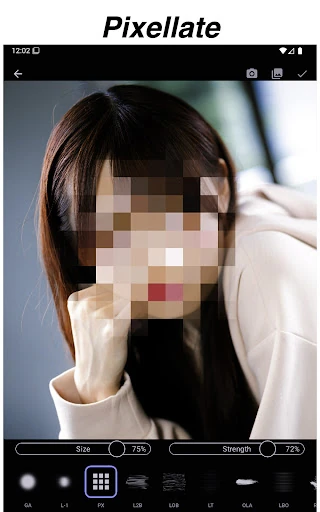
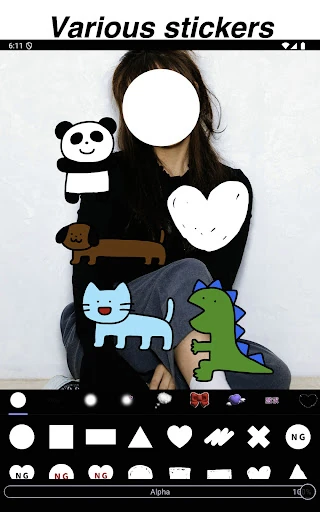
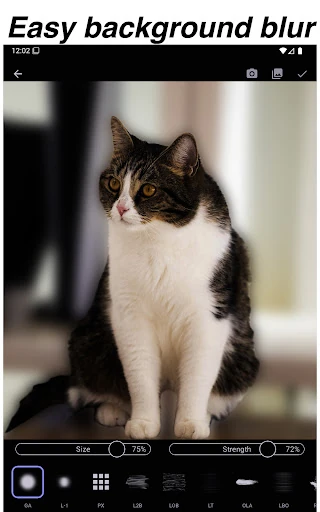
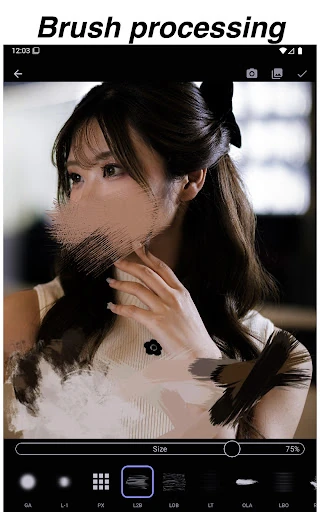
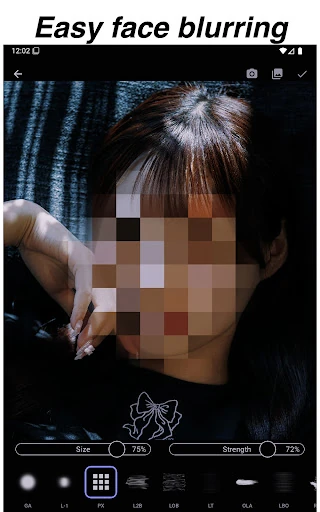
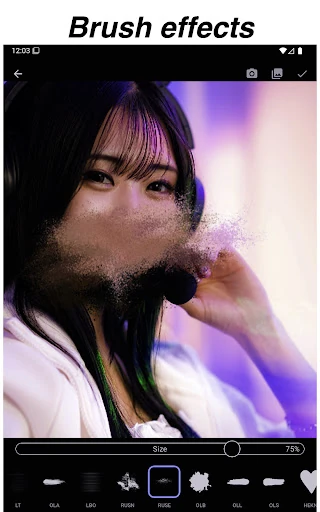
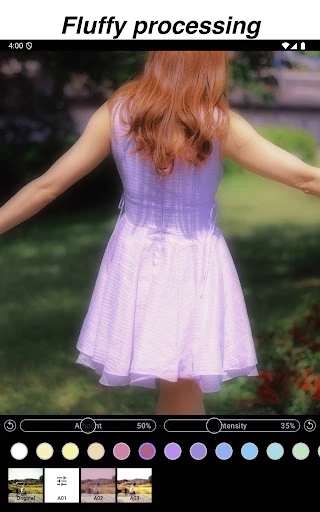
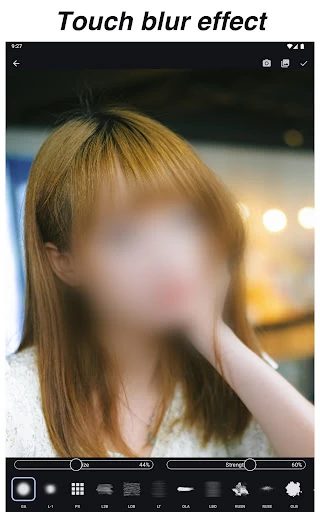
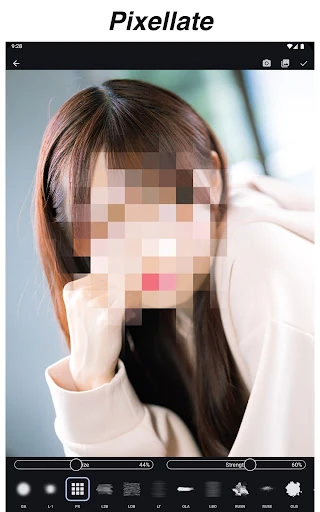
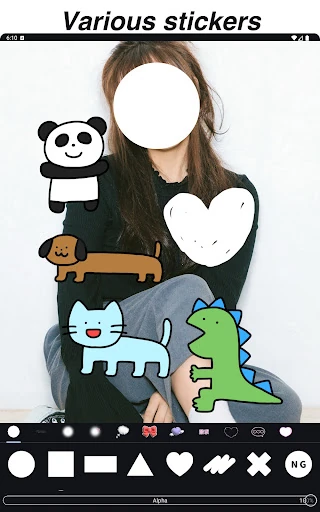
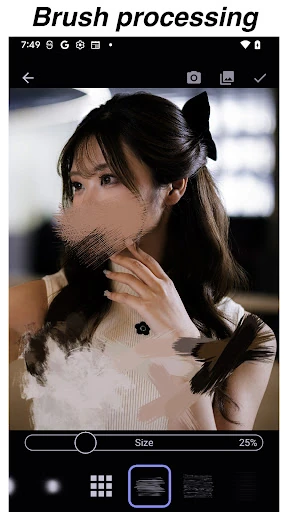
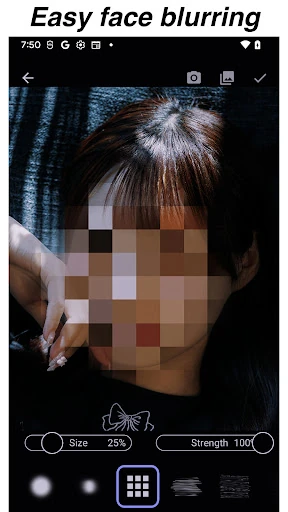
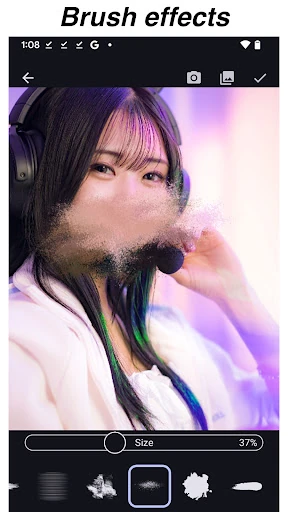
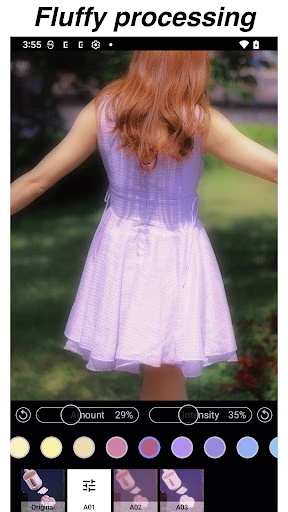
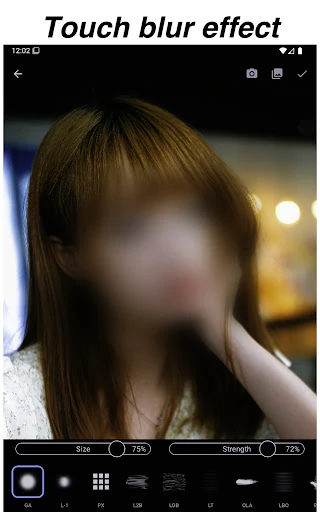
Blur Photo & Mosaic is a focused photo-editing tool for hiding selected parts of an image with blur, mosaic, and other masking effects. You paint over the area you want to obscure rather than applying an effect to the whole photo, which makes it useful for covering faces, licence plates, house numbers, or other private details before sharing. It also suits simple creative edits where a roughened or pixelated patch is part of the look.
The app keeps its main task straightforward: choose an image, trace over the sections that need treatment, and adjust the result with editing controls such as undo and erase. Manual marking gives you control over irregular shapes and small areas that automatic tools can overlook. The trade-off is that accuracy depends on your finger work, especially around fine edges or detailed backgrounds.
With a reported 4.38 rating from 33,362 reviews and 1,000,000+ installs, Blur Photo & Mosaic has found a substantial audience for this narrow job. It is developed by A application. The appeal is easy to understand: when you only need to hide a few parts of a picture, a dedicated tracing tool can be quicker and clearer than opening a larger editor. If you regularly edit many images or need more automated precision, its manual approach may start to feel limiting.