Voice GPS Navigation: GPS Map
Handy Tools Studio
Downloads
1,000,000+
Version
Latest
Click to download now, finish the installation quickly, and directly unlock the all-round experience
Screenshots
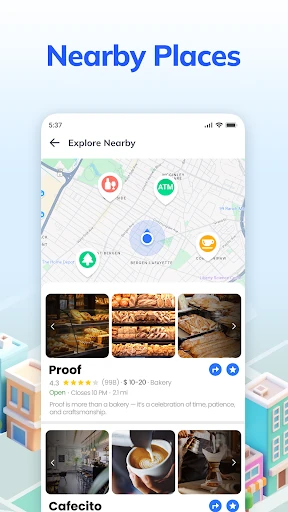
Click to download now, finish the installation quickly, and directly unlock the all-round experience
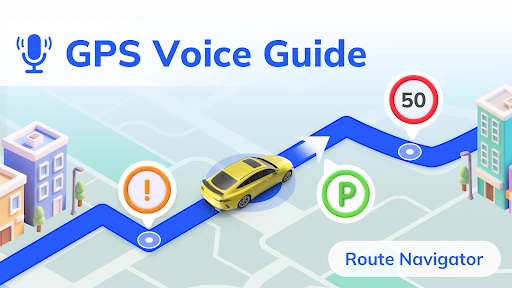
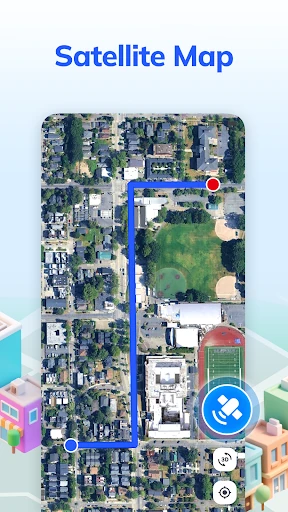
Voice GPS Navigation: GPS Map is a route-planning and navigation app for drivers, walkers, and public-transit users. Its main focus is spoken, turn-by-turn guidance, with a map view that helps you follow the route while keeping your attention on the journey. It is best suited to people who want straightforward directions without typing every destination into a search box.
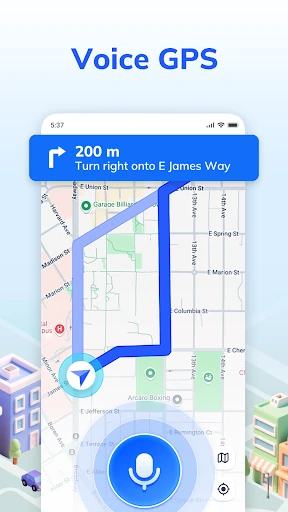
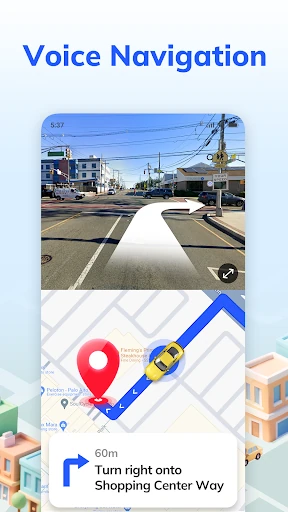
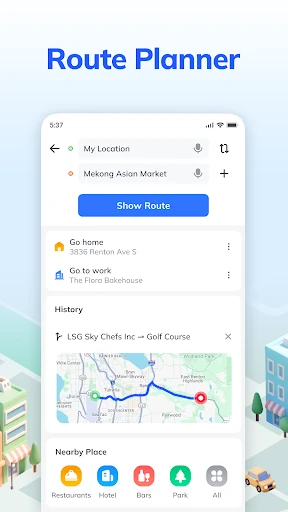
You can use voice commands to search for a location, view routes, and start navigation. For driving, the app provides spoken instructions as turns approach and can offer more than one route to the same destination. That makes it useful when you want to compare alternatives rather than accept the first suggested path.
The combination of spoken directions and nearby-place search makes this a practical general-purpose map for everyday trips and unfamiliar areas. Drivers may get the most from it, especially when they want hands-free guidance, while walkers and transit users may prefer the same app for occasional route finding. Its scale is also notable: Handy Tools Studio’s app has passed 1,000,000 installs and holds a 4.64 rating from 3,146 reviews.
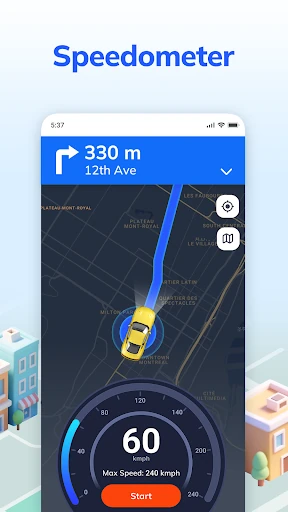
This is a broad navigation tool rather than a specialist driving system. The speedometer is a useful reference, but it should not replace the car’s own instruments. Voice control also works best when destination names are clear and the phone can hear you. If you need highly detailed traffic planning or advanced trip management, check whether its route options provide enough information for your journeys before relying on it as your only navigation tool.