
Photo Slideshow: Video Maker
NKH Team
Downloads
1,000,000+
Version
Latest
Click to download now, finish the installation quickly, and directly unlock the all-round experience
Screenshots
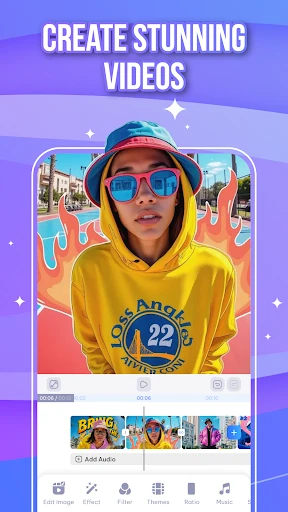
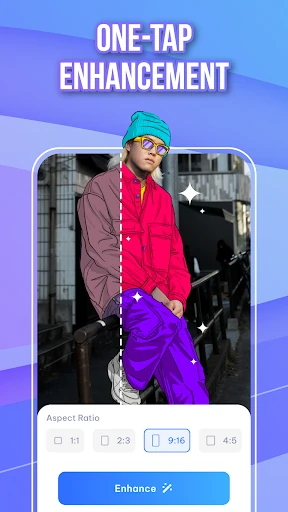
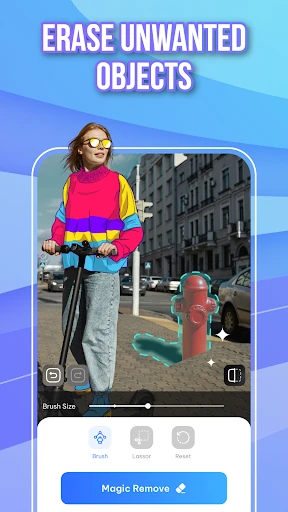
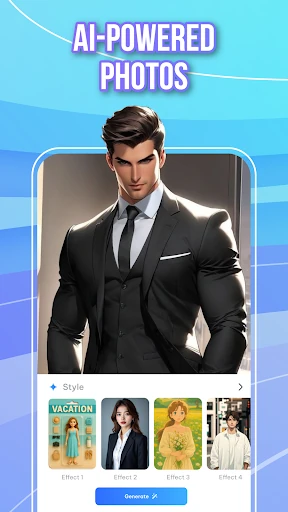
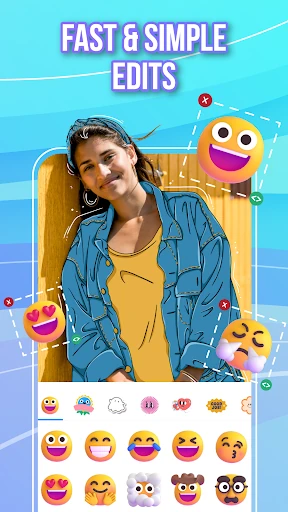
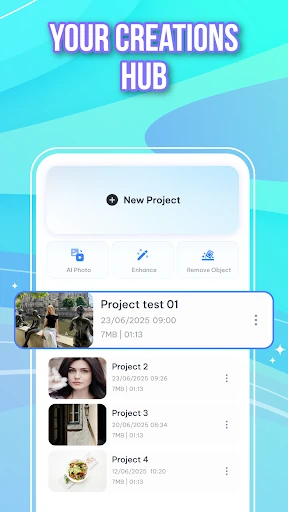
Click to download now, finish the installation quickly, and directly unlock the all-round experience
Photo Slideshow: Video Maker turns a selection of photos into a shareable video, with music, transitions and basic enhancement tools built into the same workflow. It is aimed at people who want to make a family montage, travel recap or social clip without learning a full desktop-style editor. The app comes from NKH Team and sits in the Video Players & Editors category.
The process is centred on choosing images, improving them where needed, adding audio and arranging the presentation. AI-assisted enhancement can help clean up weaker source photos, while an object-removal tool is useful when an unwanted detail distracts from an otherwise good image. Music and transition controls give a slideshow more rhythm than a plain sequence of stills.
This relatively guided approach should suit casual creators better than a dense editing timeline. It keeps the focus on getting a finished video together quickly, rather than fine control over every frame. Saved projects also make it possible to return to work instead of rebuilding a slideshow from the beginning.
With more than 1,000,000 installs and 5,525 ratings, the app has reached a substantial mobile audience. Its average rating of about 3.7 out of 5 points to a useful but uneven experience rather than a universal recommendation. In short, it makes sense for straightforward photo-to-video projects, while demanding creators may find its streamlined design limiting.