Click to download now, finish the installation quickly, and directly unlock the all-round experience
Screenshots




Click to download now, finish the installation quickly, and directly unlock the all-round experience
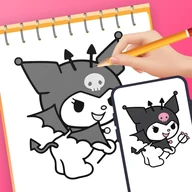
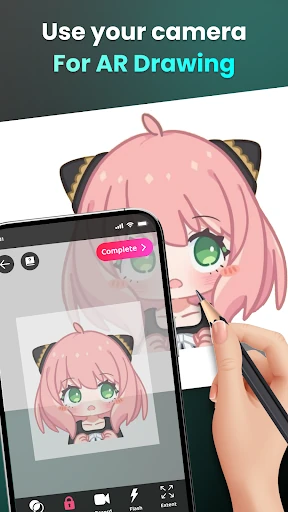
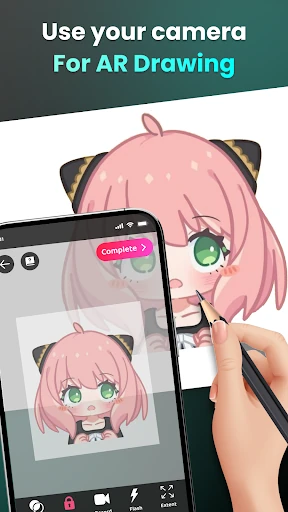
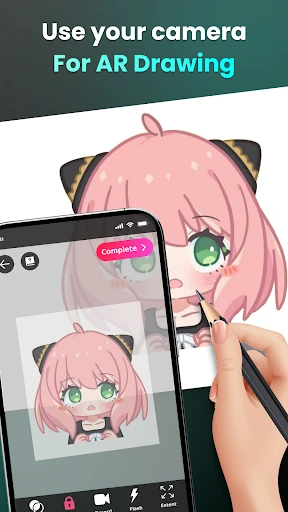
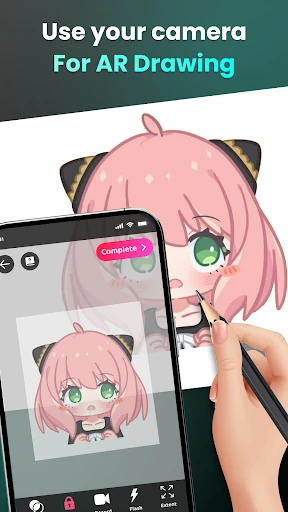
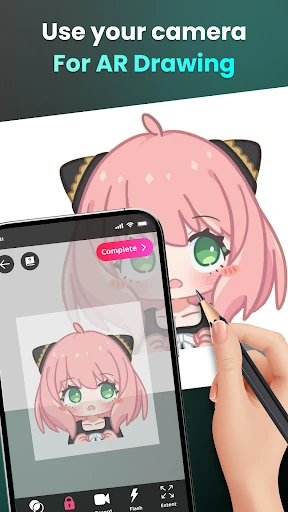
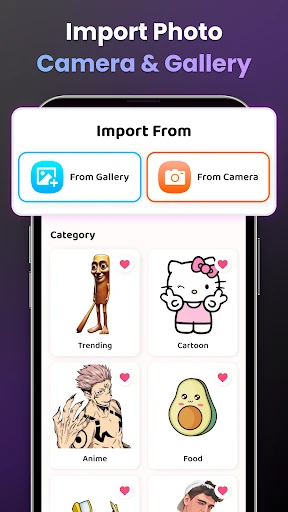
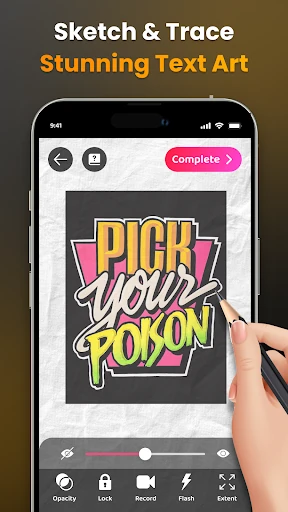
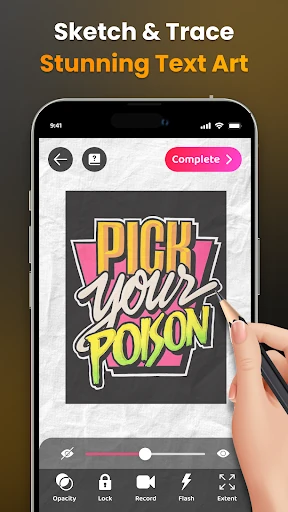
AR Easy Draw - Trace Sketch uses your phone’s camera to place a selected image over a real drawing surface, giving you an on-screen guide to follow with pencil or pen. It is aimed mainly at beginners, casual doodlers and anyone who wants help with proportions before committing to a freehand drawing. The app comes from Braly JSC and sits in the Art & Design category.
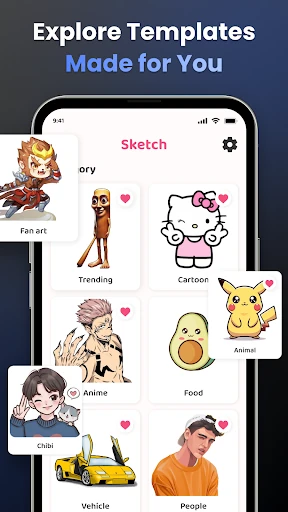
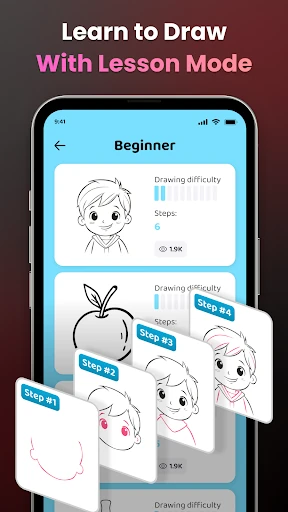
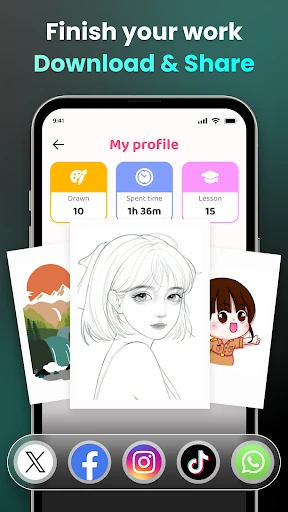
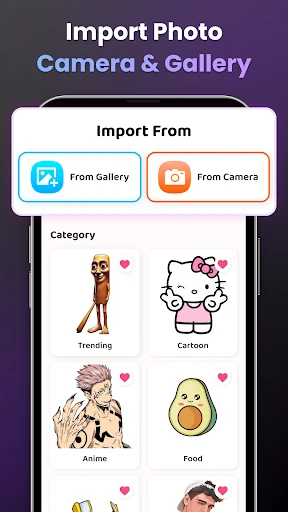
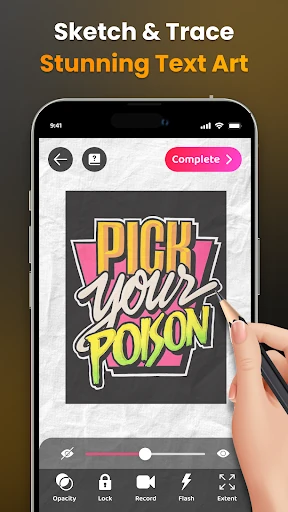
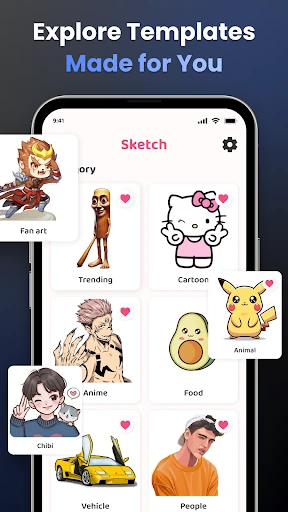
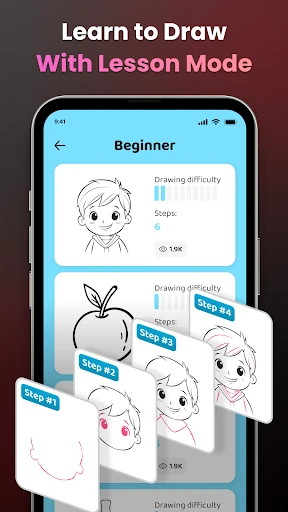
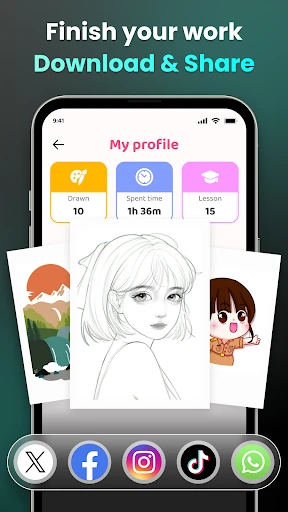
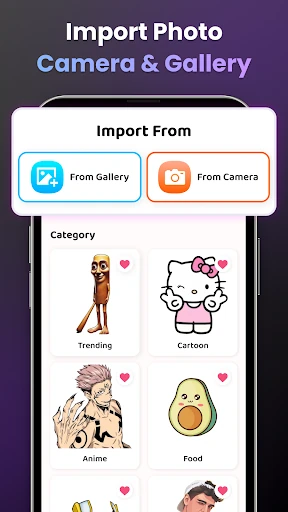
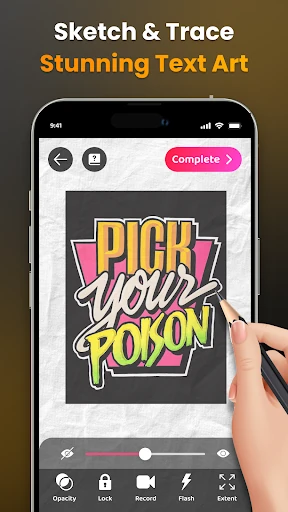
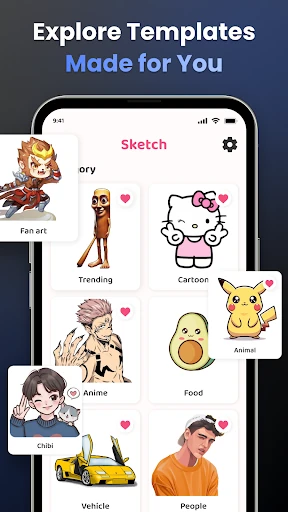
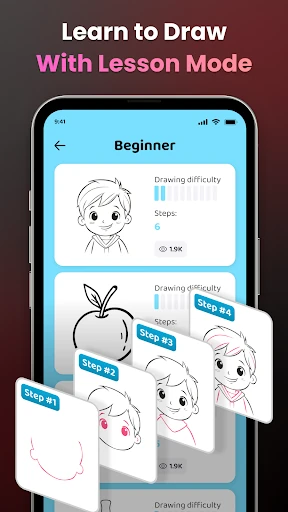
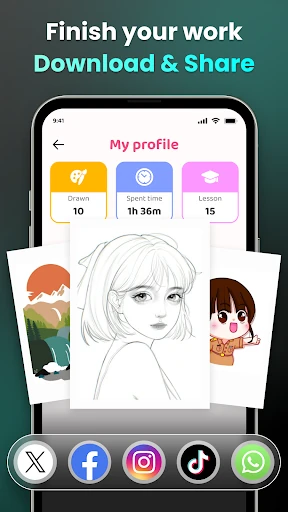
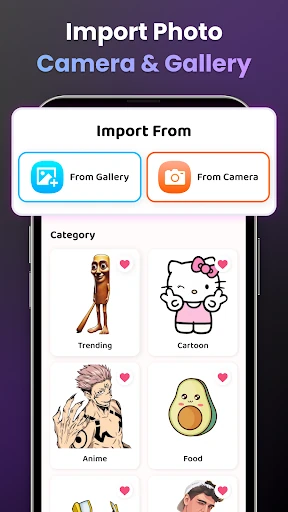
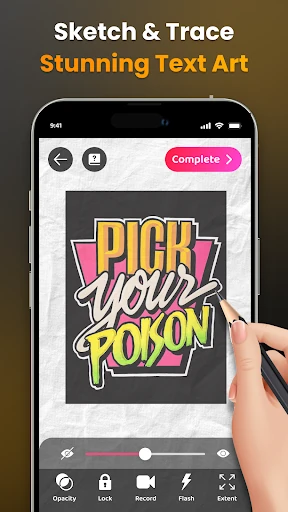
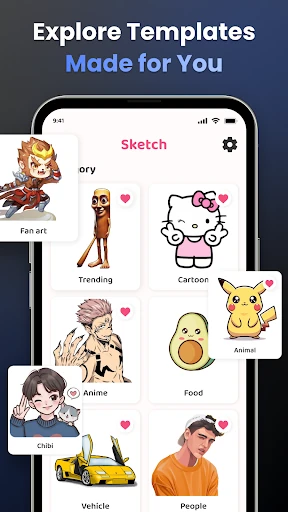
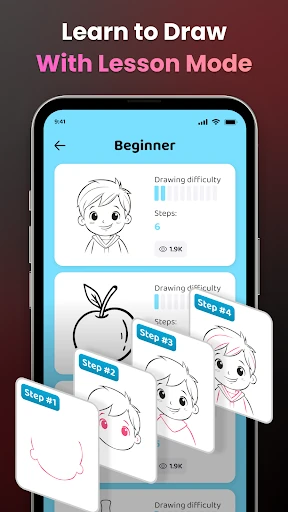
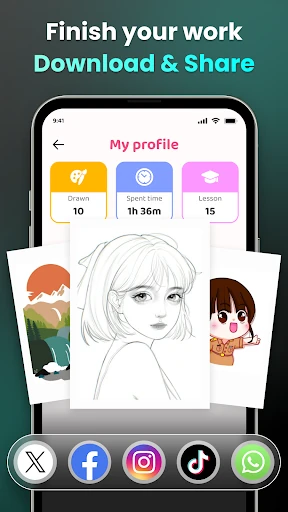
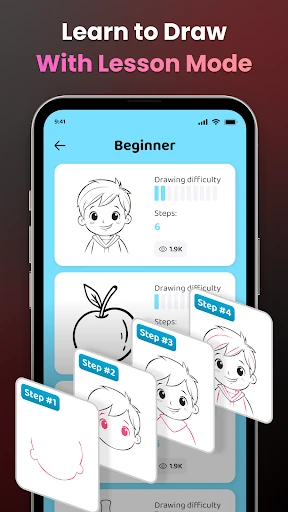
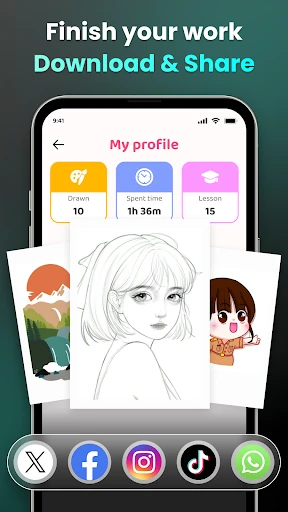
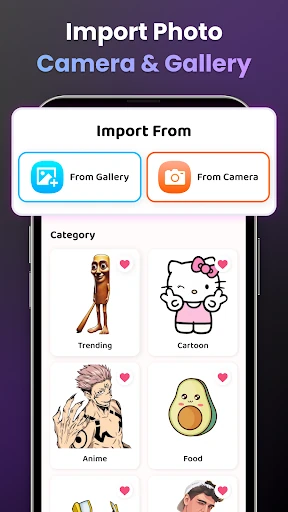
You choose a template, position the phone so the camera view lines up with the paper, and trace the image shown on screen. Controls for opacity, zoom and the camera flash help adjust the guide to different surfaces and lighting. The library covers subjects including anime, chibi and nature scenes, with simpler and more demanding drawings available. A recording option can also capture the drawing process as a time-lapse.
The approach makes starting easier because you are not working from a blank page. It can also be useful for practising line control and observing how a finished outline is built. However, the phone needs to stay steady and correctly positioned. A stand or another reliable support makes the experience much more practical; without one, even small movements can throw off the guide. Tracing is useful assistance, but it does not replace learning to judge shape, perspective or proportion without a reference.
With a rating of 4.16 from 144,211 ratings and more than 10,000,000 installs, the app has found a substantial audience. Those numbers suggest broad appeal, but its usefulness depends on having a stable setup and being comfortable drawing while watching a phone screen. It is best viewed as a tracing aid and practice tool, not a complete drawing course.